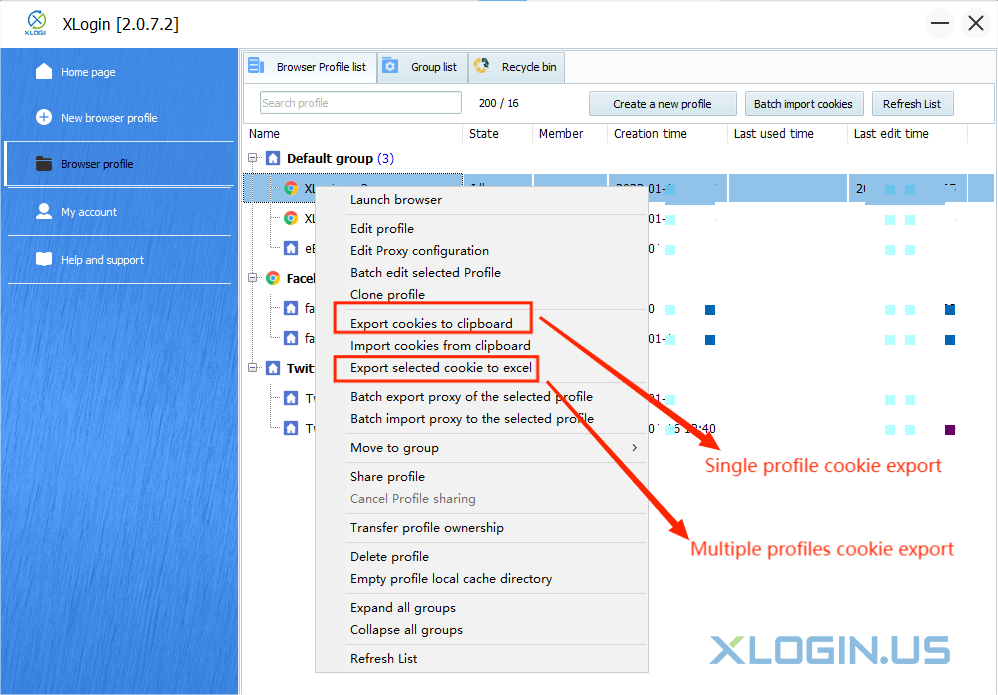
1. Select a profile which you want to export the cookies in XLogin;
2. Right-click, and choose “Export cookies to clipboard” option;
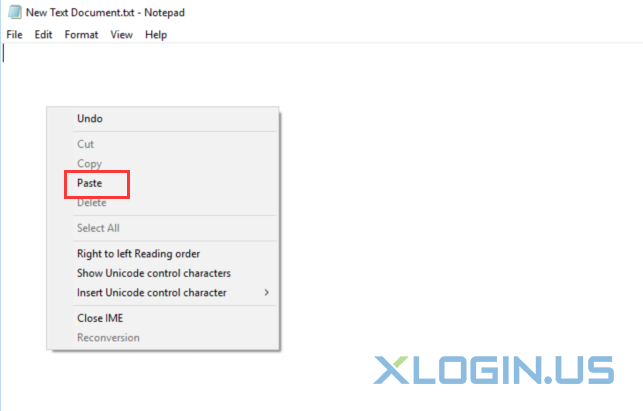
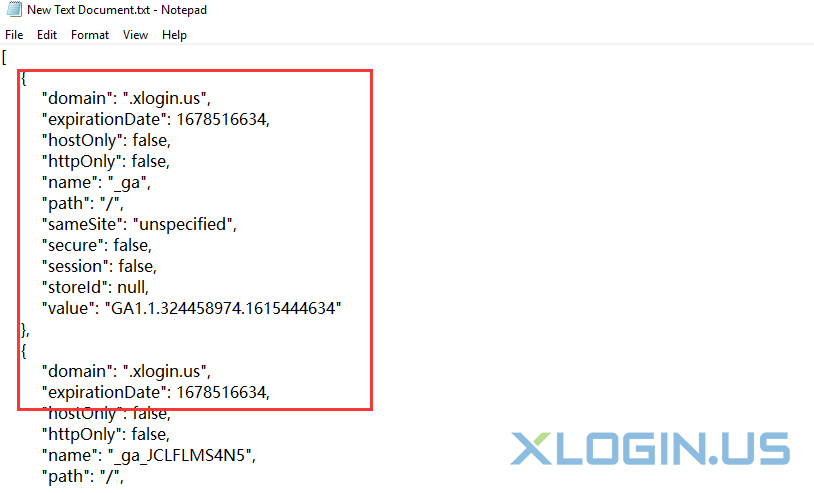
3. Create a txt document on your PC, open it and paste the cookies to txt document, then save it.
1. Select a profile which you want to export the cookies in XLogin;
2. Right-click, and choose “Export cookies to clipboard” option;
3. Create a txt document on your PC, open it and paste the cookies to txt document, then save it.